Last updated: May 22, 2026
A Lifeline free tablet usually means a participating Lifeline provider may include a tablet with a qualifying phone or internet service plan. Lifeline itself is a federal service discount, not a federal tablet program. For the full 2026 overview, start with the free tablet benefit guide.
Use this page together with our free government tablet eligibility guide, free tablet with EBT guide, Medicaid free tablet eligibility guide, Lifeline free tablet options, how to apply for a free tablet, and common free tablet questions.
- Lifeline is active and is administered by USAC under FCC rules.
- ACP ended on June 1, 2024 because funding ended.
- Lifeline provides a monthly service discount, not a direct tablet benefit.
- Eligibility can be based on income or programs such as SNAP, Medicaid, SSI, FPHA, Veterans Pension, Survivors Benefit, or certain Tribal programs.
- The National Verifier checks many applications.
- One Lifeline benefit is allowed per household.
- Annual recertification is required.
- Provider tablet availability changes by location, inventory, and terms.
Who this page helps
- People who want to understand the active Lifeline program after ACP ended.
- Households comparing phone, internet, and tablet offers from Lifeline providers.
- SNAP, EBT, Medicaid, SSI, FPHA, VA benefit, Tribal program, or income-based applicants.
- Current Lifeline users wondering whether switching providers could include a device.
- Readers trying to separate official Lifeline rules from provider promotions.

Filename: lifeline-free-tablet-options-2026.webp
Alt text: Lifeline applicant reviewing tablet and service options on a tablet screen
AI image prompt: Photorealistic scene of a US household reviewing tablet eligibility documents on a kitchen table, modern Android tablet visible, no government logos, no provider logos, no Apple logos, no approval stamps, no readable private data, natural daylight, realistic and respectful.
Does Lifeline give free tablets directly?
No. Lifeline is a monthly discount on qualifying phone or internet service. The federal Lifeline benefit does not include a direct tablet discount. Tablets may appear because some providers choose to offer a device with their Lifeline service plans.
This distinction keeps expectations realistic. If a provider includes a tablet, the provider controls device inventory, device condition, fees, shipping, activation, data plan details, and return rules.
| Item | Current answer | Tablet meaning |
|---|---|---|
| Program status | Active | Lifeline can still help with service |
| Administered by | USAC under FCC rules | Official rules are not provider ads |
| Benefit type | Monthly phone or internet discount | No direct federal tablet benefit |
| Eligibility | Income or qualifying programs | Required before provider offers apply |
| Device offers | Provider specific | May be free, discounted, limited, or unavailable |
Who qualifies for Lifeline in 2026?
A household may qualify by income or by participating in a qualifying program. Income eligibility is based on household income at or below 135% of the Federal Poverty Guidelines. Program eligibility can include SNAP, Medicaid, SSI, FPHA, certain VA benefits, and certain Tribal programs.
Eligibility is household based. If you share income and bills with other people at the same address, you are usually one household for Lifeline. If you live at the same address but do not share income and expenses, a household worksheet may be needed.
| Eligibility route | Examples | Proof |
|---|---|---|
| SNAP or EBT | Active SNAP benefits | SNAP award letter or portal printout |
| Medicaid | Active Medicaid | Medicaid letter or portal printout |
| SSI | Supplemental Security Income | SSI award letter |
| Housing | Federal Public Housing Assistance | Housing assistance letter |
| VA benefits | Veterans Pension or Survivors Benefit | VA benefit letter |
| Income | At or below 135% of Federal Poverty Guidelines | Tax return, pay stubs, benefit statement |
| Tribal programs | BIA GA, Tribal TANF, Head Start, FDPIR | Tribal program letter |
How does the National Verifier work?
The National Verifier is the system used to confirm eligibility in many states. It may verify your program participation electronically. If it cannot, you may need to upload documents that prove identity, address, and eligibility.
Some states use their own Lifeline process. Provider pages should tell you whether to use the National Verifier, a state portal, or the provider application flow. Use official links and keep copies of confirmations.
Can you switch Lifeline providers for a tablet offer?
Lifeline allows benefit transfers, but there are rules and timing limits. Switching only for a tablet can be frustrating if the new provider has limited coverage, a small data plan, poor support, or no device inventory by the time your transfer is processed.
Before switching, confirm coverage at your address, device availability, any transfer waiting period, and whether your current phone number or service could be interrupted.
What are the household and recertification rules?
Lifeline is one benefit per household. A household is usually people who live together and share money or bills. Roommates who live at the same address but do not share income and expenses may be separate households, but the verifier may ask for a worksheet.
Lifeline also requires yearly recertification. If you miss the notice or do not confirm eligibility, the discount can end. Keep your address, email, phone number, and provider account information current so you do not miss important messages.
| Rule | What it means | Practical tip |
|---|---|---|
| One benefit per household | Most homes cannot stack multiple Lifeline discounts | Do not submit duplicate applications |
| Annual recertification | Eligibility must be confirmed each year | Watch mail, email, texts, and account messages |
| Address updates | Provider needs current service location | Update the provider when you move |
| Provider transfer limits | Transfers may have timing rules | Check before switching for a tablet offer |
What can Lifeline service help with if no tablet is available?
Even when no tablet is available, Lifeline service can still help a household stay connected. Phone or internet service can support job applications, school messages, telehealth scheduling, benefit portals, banking alerts, emergency contacts, and family communication.
If your main need is a larger screen, pair the service discount with another device route. A library loan, school tablet, nonprofit refurbished tablet, or low-cost Android tablet can sometimes be more stable than waiting for a provider device promotion to return.
How should seniors, students, and veterans think about Lifeline tablet offers?
Seniors may qualify through Medicaid, SSI, income, or certain VA benefits. Students may qualify through the household if the household receives SNAP, Medicaid, SSI, or meets the income test. Veterans may qualify through Veterans Pension, Survivors Benefit, income, or another qualifying program.
The device rules are still the same for each group. Eligibility can open the door to Lifeline service, but tablet offers depend on providers. Seniors, students, and veterans should also check local libraries, schools, veteran organizations, and nonprofit device programs because those groups may have separate tablet support.
What documents or proof do Lifeline applicants need?
Lifeline applications may be verified automatically, but many people still need documents. Keep files clear, current, and consistent with your application.
| Proof type | Examples | Purpose |
|---|---|---|
| Identity | Driver license, state ID, passport, military ID, Tribal ID | Confirms the applicant |
| Address | Utility bill, lease, mortgage statement, official mail | Confirms the service address |
| Program eligibility | SNAP, Medicaid, SSI, FPHA, VA, or Tribal benefit letter | Shows program qualification |
| Income eligibility | Tax return, pay stubs, unemployment statement, Social Security statement | Shows income qualification |
| Household status | Household worksheet if requested | Confirms one benefit per household |
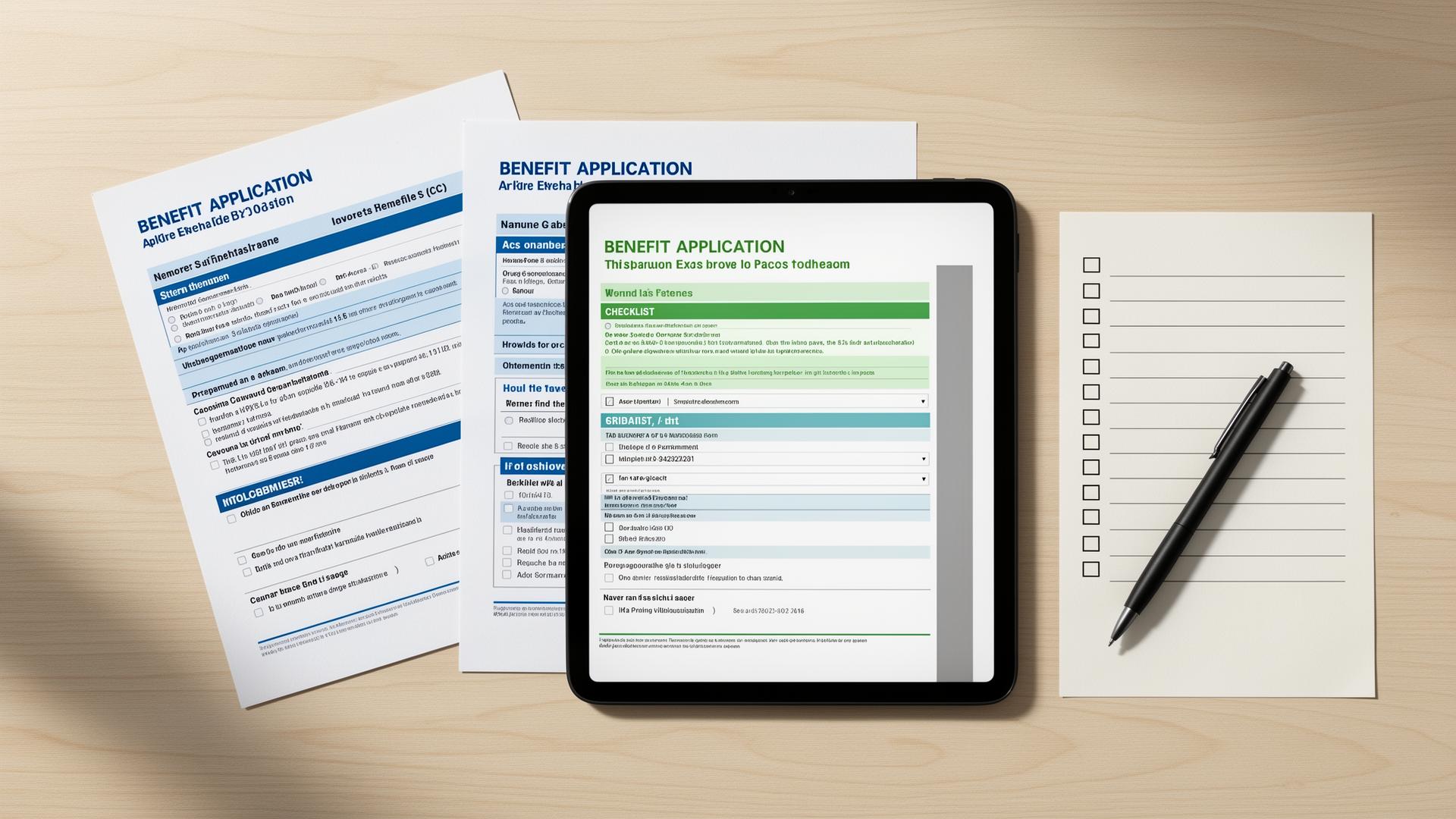
Filename: lifeline-tablet-documents-checklist-2026.webp
Alt text: Documents needed for Lifeline eligibility and tablet provider application
AI image prompt: Photorealistic flat lay of a tablet, blank document checklist, utility bill shape, and benefit letter shape with all text blurred or unreadable, no government logos, no provider logos, no Apple logos, no approval stamps, neutral desk, clear helpful mood.
How do you apply for Lifeline free tablet options step by step?
Apply for Lifeline first, then choose a provider based on service quality and current device terms.
- Review eligibility. Check income and program rules before beginning an application.
- Gather documents. Prepare ID, address proof, and current program or income proof.
- Complete verification. Use the National Verifier or your state process when required.
- Find providers. Use the provider search to identify companies serving your location.
- Compare tablet terms. Check device availability, cost, inventory, data plan, and return rules.
- Submit provider application. Apply directly with the provider and upload requested documents.
- Recertify yearly. Keep your Lifeline benefit active by completing annual recertification when notified.
What provider availability should Lifeline users expect?
Tablet offers are not uniform across Lifeline providers. A provider may offer a tablet in one state, only a phone in another state, and no device in a third location. Even in the same state, inventory can change.
Use the provider search as a starting point, then check each provider's current terms. If a provider has no tablet, Lifeline service may still be valuable for calls, texts, data, job search, telehealth, and staying connected.
| Feature | What to compare | Why it matters |
|---|---|---|
| Service type | Phone, internet, or bundled service | Lifeline supports service first |
| Data amount | Monthly data and hotspot rules | A tablet needs enough data to be useful |
| Device offer | Tablet condition, cost, and inventory | Device details vary by provider |
| Coverage | Network quality at your address | Poor coverage can make a tablet plan less useful |
| Support | Phone, chat, email, and portal support | Needed for activation and shipping issues |
What common mistakes should you avoid?
Treating Lifeline as a tablet program
Lifeline is a service discount. Tablets are provider offers.
Forgetting annual recertification
If you miss recertification, your Lifeline discount can end.
Overlooking household rules
One Lifeline benefit is allowed per household.
Switching too quickly
Check coverage, support, and device terms before transferring providers.
Using outdated ACP information
ACP ended on June 1, 2024 and is not active.
Ignoring data limits
A tablet is less useful if the plan has too little data for your needs.
What should you do if you do not qualify for Lifeline?
If you do not qualify for Lifeline by program or income, you may still find device help through local and nonprofit routes. These programs do not follow one federal rule, so availability changes by city, school district, library system, and nonprofit funding.
If you do qualify for Lifeline but no tablet is available, keep the service discount in mind while looking for a separate device source.
- Ask your public library about device loans, hotspot loans, and digital navigation help.
- Contact school district, college, workforce, or adult education offices.
- Search for nonprofit refurbished tablet programs and community technology centers.
- Ask senior centers, veteran organizations, and housing assistance offices about device referrals.
- Consider a low-cost refurbished Android tablet if service support matters more than device promotion.
How should you verify this information?
This Lifeline guide was checked against official Lifeline, USAC, FCC, and LifelineSupport.org resources. Providers can change plan and tablet terms without notice, so confirm details before applying or transferring service.
Frequently asked questions
Compare Lifeline Free Tablet Options
Use the apply guide to verify eligibility, gather proof, and compare provider tablet terms safely.
Related guides
Start with the main 2026 overview for low-income tablet options.
What this phrase means after ACP ended and Lifeline remained active.
How SNAP and EBT can support Lifeline eligibility.
How Medicaid can prove eligibility for Lifeline.
How Lifeline works and where provider tablet offers fit.
A step-by-step application guide with document tips.
Short answers to common 2026 tablet questions.