Last updated: May 22, 2026
To apply for a free or discounted tablet from a government-related program in 2026, you usually apply for Lifeline service through a participating provider. There is no single federal website that ships tablets to every approved applicant. For the full 2026 overview, start with the free tablet benefit guide.
Use this page together with our free government tablet eligibility guide, free tablet with EBT guide, Medicaid free tablet eligibility guide, Lifeline free tablet options, how to apply for a free tablet, and common free tablet questions.
- ACP ended on June 1, 2024, so do not apply through old ACP tablet pages.
- Lifeline is active and can help with qualifying phone or internet service.
- The National Verifier checks many Lifeline applications.
- SNAP, EBT, Medicaid, SSI, FPHA, VA benefits, Tribal programs, or income can help prove eligibility.
- A tablet is a provider offer, not a Lifeline promise.
- Prepare documents before starting to avoid manual review delays.
- Apply directly with verified providers, not anonymous lead forms.
- Read all device, shipping, activation, and service terms before submitting.
Who this page helps
- First-time applicants who want a safe online application path.
- EBT, Medicaid, SSI, housing assistance, VA benefit, Tribal program, or income-based applicants.
- Caregivers helping a parent, student, veteran, or family member apply.
- People who were confused by old ACP tablet pages and need current steps.
- Anyone who wants to compare provider offers before sharing private documents.

Filename: how-to-apply-free-tablet-online-2026.webp
Alt text: Applicant completing a Lifeline tablet application online with documents nearby
AI image prompt: Photorealistic scene of a US household reviewing tablet eligibility documents on a kitchen table, modern Android tablet visible, no government logos, no provider logos, no Apple logos, no approval stamps, no readable private data, natural daylight, realistic and respectful.
Where should you apply online?
The safe path has two parts. First, verify eligibility through LifelineSupport.org, the National Verifier, your state Lifeline process, or a provider flow that connects to official verification. Second, choose a participating Lifeline provider that serves your location and currently has a tablet offer.
Do not start with a page that hides the provider name, asks for payment to apply, or claims everyone is approved. Lifeline approval depends on eligibility verification and provider terms.
| Path | Safety level | Notes |
|---|---|---|
| LifelineSupport.org | Official | Use for eligibility rules, documents, and provider search |
| National Verifier | Official | Used in many states for eligibility checks |
| State Lifeline administrator | Official where required | Some states use state-specific processes |
| Provider's own website | Safe if verified | Use after confirming the provider serves your area |
| Anonymous lead form | Risky | Avoid if provider identity and terms are unclear |
| Payment-to-apply site | Risky | Lifeline application itself is free |
What should you check before submitting personal information?
Before uploading ID or benefit proof, confirm the page is connected to a real provider or official verifier. Read the privacy policy and terms. Make sure the website explains who receives your documents and why they are needed.
If the page uses urgent language, hides fees until the end, or makes promises about approval or device models, slow down. Real Lifeline and provider pages explain eligibility limits and device availability.
- Confirm the provider name and service area.
- Check that the page uses secure HTTPS.
- Read device fees, shipping, activation, and return terms.
- Verify whether the tablet is new or refurbished.
- Save a copy of your confirmation or application number.
How long does the application take?
Some applicants finish the eligibility check in minutes if their information can be verified electronically. Others need manual document review, which can take several business days. Provider shipment timing is separate from eligibility approval.
If a provider asks for more proof, respond quickly and upload a clearer document. A blurry photo, expired letter, missing date, or address mismatch can slow the process.
What happens after approval?
After approval, the provider activates service according to its plan terms. If a tablet is included and inventory is available, the provider explains shipment, pickup, activation, or delivery timing.
Keep all emails, texts, and account portal messages. You may need them for status checks, shipment questions, number transfer issues, or annual Lifeline recertification.
How should you scan and upload documents safely?
Use clear photos or scans with all four corners visible. Make sure names, dates, addresses, program names, and active status are readable. A dark image, cropped name, or blurred date can cause manual review to fail even when you qualify.
If you use a public computer, do not save private documents to the desktop or downloads folder. Upload the document, sign out, clear recent files if needed, and delete temporary copies. If you use your phone, upload through the provider page and keep the original documents in a safe folder.
| Check | Good upload | Common problem |
|---|---|---|
| Lighting | Bright, readable image | Dark photo or glare |
| Full page | All corners visible | Cropped name or date |
| File match | Name and address match application | Old address or nickname |
| Status | Shows active benefit or current income | Expired or pending proof |
| Privacy | Uploaded through verified flow | Saved on public computer |
How should you compare providers after you are verified?
Verification is only one step. After that, compare the real provider plan. Look at coverage, data limits, hotspot rules, refill options, support hours, device condition, device cost, shipping time, and what happens if the tablet arrives damaged.
If two providers both offer tablets, choose the one with clearer terms and stronger service at your address. A confusing provider offer can cost more time than the device is worth.
What should you save after applying?
Save your eligibility confirmation, provider order number, screenshots of device terms, emails, text updates, and any support case number. These records help if a shipment is delayed, a document needs review, or the provider changes a plan detail later.
Also save your recertification notices once service starts. Lifeline is not a one-time set and forget benefit. If you miss annual recertification, service can stop and any provider device terms may become harder to resolve.
What documents do you need before applying?
You may not need every document, but having them ready makes the online process easier. Use current, readable files and make sure the information matches your application.
| Document | Examples | When it is used |
|---|---|---|
| Proof of identity | Driver license, state ID, passport, military ID, Tribal ID | Almost every application |
| Proof of address | Utility bill, lease, mortgage statement, official mail | When address cannot be verified automatically |
| Program proof | SNAP, Medicaid, SSI, FPHA, VA, or Tribal benefit letter | When qualifying through a program |
| Income proof | Tax return, pay stubs, unemployment statement, Social Security statement | When qualifying by income |
| Household worksheet | Form requested by verifier or provider | When multiple households share one address |
| Application records | Confirmation number, provider email, status page | For follow-up and support |
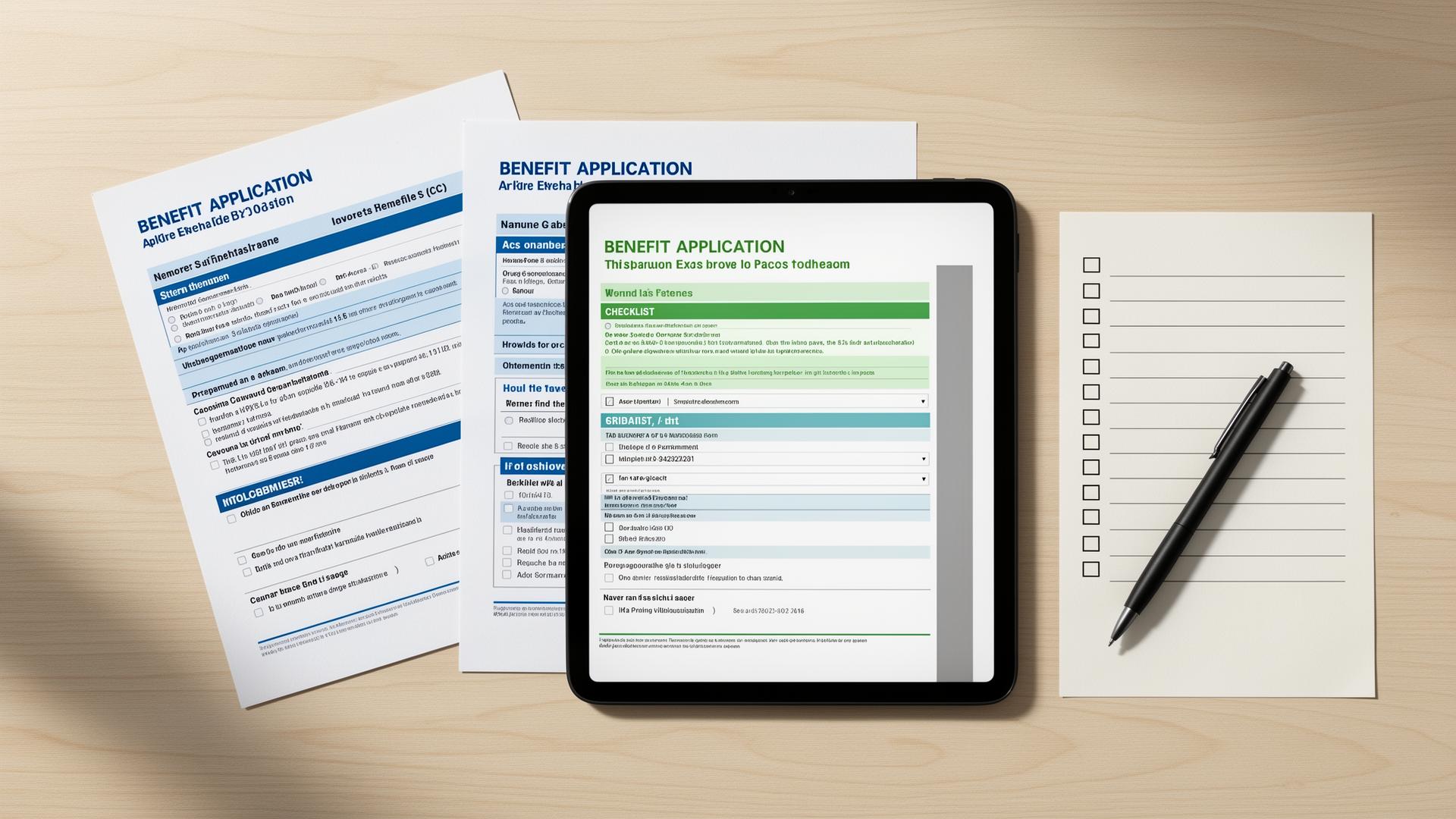
Filename: free-tablet-application-documents-2026.webp
Alt text: Document checklist for applying for a free tablet online
AI image prompt: Photorealistic flat lay of a tablet, blank document checklist, utility bill shape, and benefit letter shape with all text blurred or unreadable, no government logos, no provider logos, no Apple logos, no approval stamps, neutral desk, clear helpful mood.
How do you apply for a free tablet online step by step?
Follow these steps in order so you verify eligibility before choosing a provider device offer.
- Confirm current program status. Remember that ACP ended in 2024 and Lifeline is the active federal service discount.
- Check eligibility. Review Lifeline rules for income and qualifying programs such as SNAP, Medicaid, SSI, FPHA, VA benefits, and Tribal programs.
- Gather documents. Prepare ID, proof of address, and current proof of program participation or income.
- Use official verification. Complete the National Verifier or state process if required.
- Find providers. Use the provider search and compare companies that serve your ZIP code.
- Check tablet terms. Confirm inventory, device condition, cost, shipping, activation, plan data, and support.
- Submit the provider application. Apply directly with the verified provider and upload documents through its secure process.
- Track status. Watch for email, text, or portal updates and respond if more proof is requested.
- Keep records. Save confirmation details, provider terms, and recertification notices.
What provider availability should applicants expect?
Provider availability is not the same as eligibility. You might qualify for Lifeline and still see no tablet offer in your ZIP code. Another provider might offer a tablet but require a small device payment or have limited data.
Choose based on the whole plan. A reliable service plan with clear support can be better than a confusing device offer. If a tablet matters most, confirm inventory before you submit sensitive documents.
| Checklist item | What to look for | Warning sign |
|---|---|---|
| Provider identity | Clear company name and contact info | Anonymous form |
| Eligibility flow | National Verifier, state process, or clear provider verification | No explanation of verification |
| Device cost | Clear tablet fee, shipping, activation, and monthly cost | Fees hidden until after data entry |
| Inventory | Current tablet availability by location | Vague device language |
| Terms | Return, replacement, service, and data terms | No terms page |
| Support | Status portal, phone, chat, or email | No support channel |
What common mistakes should you avoid?
Applying through old ACP pages
ACP ended on June 1, 2024. Use current Lifeline information.
Paying to apply
The Lifeline application itself is free.
Skipping document prep
Missing or blurry proof can delay manual review.
Ignoring address mismatches
Your address should match ID, proof, and service location when possible.
Trusting vague device promises
Confirm inventory, condition, and costs before submitting.
Submitting multiple applications
Duplicate applications can create account or household conflicts.
What should you do if you do not qualify or are denied?
A denial is not always the end. Read the reason carefully. Sometimes you only need a clearer document, a newer benefit letter, or an updated address. If your household truly does not qualify, use local device routes instead.
If you qualify for Lifeline but no tablet is available, keep service options separate from device options. You may still benefit from discounted service while seeking a tablet elsewhere.
- Correct document issues and reapply if the denial was due to proof problems.
- Check another qualifying route such as Medicaid, SNAP, SSI, VA benefits, Tribal programs, or income.
- Contact local libraries, schools, workforce centers, and digital inclusion nonprofits.
- Ask community action agencies or housing assistance offices about device referrals.
- Compare low-cost refurbished tablets from reputable sellers if timing is urgent.
How should you verify this information?
This application guide was checked against official Lifeline, USAC, FCC, and LifelineSupport.org resources. Always verify the current provider offer before submitting personal information because plan terms and inventory change.
Frequently asked questions
Apply Steps
Use this guide as a checklist while you verify eligibility, prepare documents, and compare provider tablet options.
Related guides
Start with the main 2026 overview for low-income tablet options.
What this phrase means after ACP ended and Lifeline remained active.
How SNAP and EBT can support Lifeline eligibility.
How Medicaid can prove eligibility for Lifeline.
How Lifeline works and where provider tablet offers fit.
A step-by-step application guide with document tips.
Short answers to common 2026 tablet questions.