Last updated: May 22, 2026
A free tablet with Medicaid usually means Medicaid is used as proof that your household qualifies for Lifeline service. Some Lifeline providers may include a discounted or no-cost tablet with service, but Medicaid itself does not ship tablets. For the full 2026 overview, start with the free tablet benefit guide.
Use this page together with our free government tablet eligibility guide, free tablet with EBT guide, Medicaid free tablet eligibility guide, Lifeline free tablet options, how to apply for a free tablet, and common free tablet questions.
- Medicaid can help prove Lifeline eligibility.
- Lifeline is active in 2026 and ACP ended on June 1, 2024.
- Medicaid does not automatically guarantee a tablet.
- Medicare alone is not a Lifeline qualifying program.
- CHIP alone may not qualify under federal Lifeline rules.
- A current Medicaid eligibility letter is stronger than a card photo alone.
- Provider tablet offers depend on location, inventory, and terms.
- Applying for Lifeline does not change your Medicaid benefits.
Who this page helps
- Medicaid recipients looking for low-income tablet or service options.
- Dual-eligible Medicare and Medicaid members who are unsure which program qualifies.
- Parents and caregivers applying for a household with Medicaid coverage.
- Applicants comparing Medicaid proof with SNAP, SSI, or income eligibility.
- Readers who need a realistic checklist before uploading health benefit documents.

Filename: free-tablet-with-medicaid-eligibility-2026.webp
Alt text: Household reviewing Medicaid eligibility documents before applying for a tablet offer
AI image prompt: Photorealistic scene of a US household reviewing tablet eligibility documents on a kitchen table, modern Android tablet visible, no government logos, no provider logos, no Apple logos, no approval stamps, no readable private data, natural daylight, realistic and respectful.
Does Medicaid qualify you for a free tablet?
Medicaid can qualify your household for Lifeline. Lifeline can reduce the cost of phone or internet service. Some participating providers use Lifeline enrollment to offer a tablet alongside service.
That does not mean Medicaid creates a separate tablet benefit. The provider decides whether a tablet is available, what device is offered, whether any small cost applies, and how the device is shipped or activated.
| Question | Direct answer | What to check |
|---|---|---|
| Does Medicaid qualify for Lifeline? | Yes | Active Medicaid status and accepted proof |
| Does Medicare qualify by itself? | No | Medicaid may qualify if you are dual eligible |
| Does CHIP qualify by itself? | Usually no | Use Medicaid, SNAP, SSI, or income if available |
| Does Medicaid promise a tablet? | No | Provider inventory and plan terms |
| Will Lifeline affect Medicaid? | No | Programs are separate |
What Medicaid proof works best?
The best proof shows your name, active Medicaid status, program name, issuing agency, and a recent date. A Medicaid card can help, but some cards do not show current status. Pairing the card with a letter or portal printout is safer.
If you are enrolled through a managed care plan, the plan letter may work if it clearly shows Medicaid enrollment. If the letter only shows a private plan name and not Medicaid, the provider may ask for another document.
| Document | Usually accepted? | Notes |
|---|---|---|
| Current Medicaid eligibility letter | Yes | Strongest proof for most applicants |
| State Medicaid portal printout | Yes | Should show active status and date |
| Managed care Medicaid letter | Often | Must clearly show Medicaid enrollment |
| Medicaid card alone | Sometimes | May not prove current status |
| Medicare card alone | No | Medicare is not the same as Medicaid |
| CHIP letter alone | Often no | Check rules and use another qualifying program if possible |
Can a household member's Medicaid qualify the home?
Lifeline is a household benefit. If someone in the household receives Medicaid, the household may qualify. The applicant still needs to meet Lifeline enrollment rules and provide matching identity and address information.
This is helpful for caregivers, parents, and shared households, but it also means the one benefit per household rule matters. Do not submit multiple Lifeline applications for the same economic household.
What should Medicaid users know about privacy?
A Medicaid letter can include sensitive information. Upload documents only through the National Verifier, your state administrator, or a provider you have verified. Do not send full documents to a random page or social media account.
Cover or crop details that are not requested when possible, but do not hide the name, active status, program name, issuing agency, or date if those details are required for verification.
What if your Medicaid is through a managed care plan?
Many Medicaid members receive coverage through a managed care plan. The card or letter may show the plan brand more clearly than the state Medicaid name. That can confuse a provider review team if the document does not clearly say Medicaid, medical assistance, or the state program name.
If your card only shows a plan name, download an eligibility letter from your state portal or ask the Medicaid office for a proof of coverage letter. A document that clearly connects the plan to Medicaid can prevent back and forth during manual review.
| Document issue | Why it causes delay | Better option |
|---|---|---|
| Plan card only shows a brand name | Reviewer may not see Medicaid status | State Medicaid eligibility letter |
| Letter has no date | Provider may not know if coverage is active | Recent portal printout |
| Dependent name only | Applicant identity may not match | Household explanation and applicant ID |
| Private insurance card | May not prove Medicaid | Medicaid office proof letter |
What if your Medicaid was recently renewed, paused, or moved?
Medicaid records can change after renewal, a move, or a switch between states. If your portal says active but your old card has an old address, use the newest proof you can download. The verifier needs current information, not just evidence that you had Medicaid at some point in the past.
If your Medicaid was paused or terminated, wait until it is active again or apply through another Lifeline route. Submitting inactive proof usually leads to extra review and can slow down your provider application.
What documents or proof should Medicaid applicants prepare?
Medicaid applicants usually need the same Lifeline basics as other applicants: identity, address, and eligibility proof. Current, readable documents make manual review easier.
| Proof type | Best examples | Tip |
|---|---|---|
| Identity | Driver license, state ID, passport, military ID, Tribal ID | Use the applicant's legal name |
| Address | Utility bill, lease, mortgage statement, official mail | Match the service address |
| Medicaid proof | Eligibility letter, state portal printout, managed care Medicaid letter | Show active status and date |
| Income proof | Tax return, pay stubs, Social Security statement | Use if applying by income instead of Medicaid |
| Household proof | Household worksheet if requested | Useful at shared addresses |
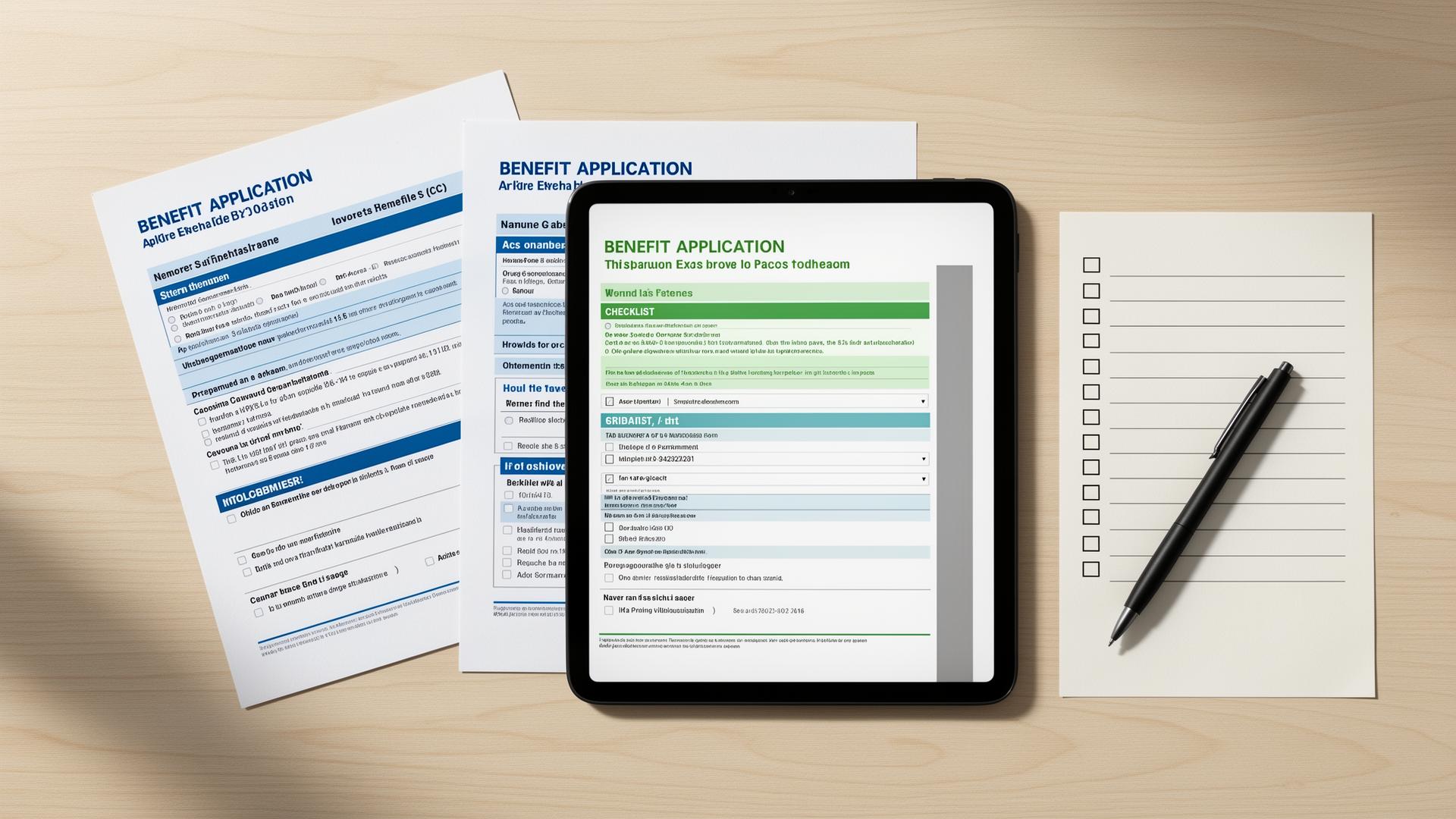
Filename: medicaid-tablet-documents-checklist-2026.webp
Alt text: Document checklist for applying for a tablet with Medicaid, including ID and Medicaid proof
AI image prompt: Photorealistic flat lay of a tablet, blank document checklist, utility bill shape, and benefit letter shape with all text blurred or unreadable, no government logos, no provider logos, no Apple logos, no approval stamps, neutral desk, clear helpful mood.
How do you apply for a free tablet with Medicaid step by step?
Use Medicaid as proof for Lifeline eligibility, then compare provider tablet terms before submitting the final provider application.
- Confirm active Medicaid. Check that your Medicaid coverage is active and not pending, paused, or recently ended.
- Download proof. Get a current eligibility letter or state portal printout that clearly shows Medicaid enrollment.
- Gather ID and address proof. Use documents that match the name and service address on the application.
- Complete Lifeline verification. Use LifelineSupport.org, the National Verifier, or the provider verification flow.
- Search for providers. Compare Lifeline providers that serve your ZIP code and currently mention tablet availability.
- Review the device offer. Check device fee, shipping, activation, plan data, return terms, and support.
- Submit and monitor status. Upload clear files and respond quickly if manual review asks for more proof.
What provider availability should Medicaid users expect?
Medicaid eligibility can be strong proof, but it does not control provider inventory. Some providers may accept Medicaid and still have no tablets available. Others may offer a refurbished Android tablet with a small device fee or limited data plan.
The best provider is not always the one with the biggest headline. Choose the provider that serves your address, explains the terms clearly, and gives you a realistic path to support if activation or shipment problems happen.
| Detail | What to verify | Why it matters |
|---|---|---|
| State availability | Provider serves your state and ZIP code | Lifeline companies do not operate everywhere |
| Medicaid proof rules | Card, letter, or portal printout accepted | Prevents document rejection |
| Device condition | New, refurbished, or replacement inventory | Sets realistic expectations |
| Costs | Device fee, shipping, activation, monthly plan cost | Avoids surprise charges |
| Support | How to contact provider after applying | Needed for shipment and activation issues |
What common mistakes should you avoid?
Using Medicare only
Medicare alone does not qualify for Lifeline. Medicaid can qualify if you have it.
Uploading an old Medicaid card
A card may not show active status. Add a recent letter or portal printout.
Applying while coverage is pending
Wait for active Medicaid proof when possible.
Hiding required proof details
Do not block the name, date, active status, or issuing agency.
Assuming Medicaid changes
Lifeline does not reduce Medicaid, but you still need to keep both records current.
Skipping provider terms
Tablet cost, service data, and shipping rules vary by provider.
What should you do if Medicaid does not qualify you for a tablet?
If your Medicaid is inactive, your proof is not accepted, or no provider has tablets in your area, check other Lifeline eligibility routes. SNAP, SSI, Federal Public Housing Assistance, VA benefits, Tribal programs, or income may still qualify you.
If you qualify for service but no tablet is available, local device programs can still help bridge the gap.
- Download a newer Medicaid eligibility letter from your state portal.
- Check SNAP, SSI, FPHA, Veterans Pension, Survivors Benefit, Tribal program, or income eligibility.
- Ask your Medicaid managed care plan whether it knows local digital inclusion partners.
- Use public library or community action device loan programs.
- Compare safe refurbished Android tablet options if no provider has inventory.
How should you verify this information?
This Medicaid tablet guide was checked against official Lifeline eligibility and document guidance. Verify current provider terms before sharing Medicaid documents because device offers and inventory change often.
Frequently asked questions
Check Eligibility with Medicaid Proof
Review the safe application steps before uploading Medicaid documents or choosing a provider tablet offer.
Related guides
Start with the main 2026 overview for low-income tablet options.
What this phrase means after ACP ended and Lifeline remained active.
How SNAP and EBT can support Lifeline eligibility.
How Medicaid can prove eligibility for Lifeline.
How Lifeline works and where provider tablet offers fit.
A step-by-step application guide with document tips.
Short answers to common 2026 tablet questions.